
“Find My Device” now enables locating powered off phones, a once impossible task. This feature, previously challenging, is now common. Source: MakeUseOf.
from View Full Story

Providing Computer Services for your Home and Office since 1993
“Find My Device” now enables locating powered off phones, a once impossible task. This feature, previously challenging, is now common. Source: MakeUseOf.
from View Full Story
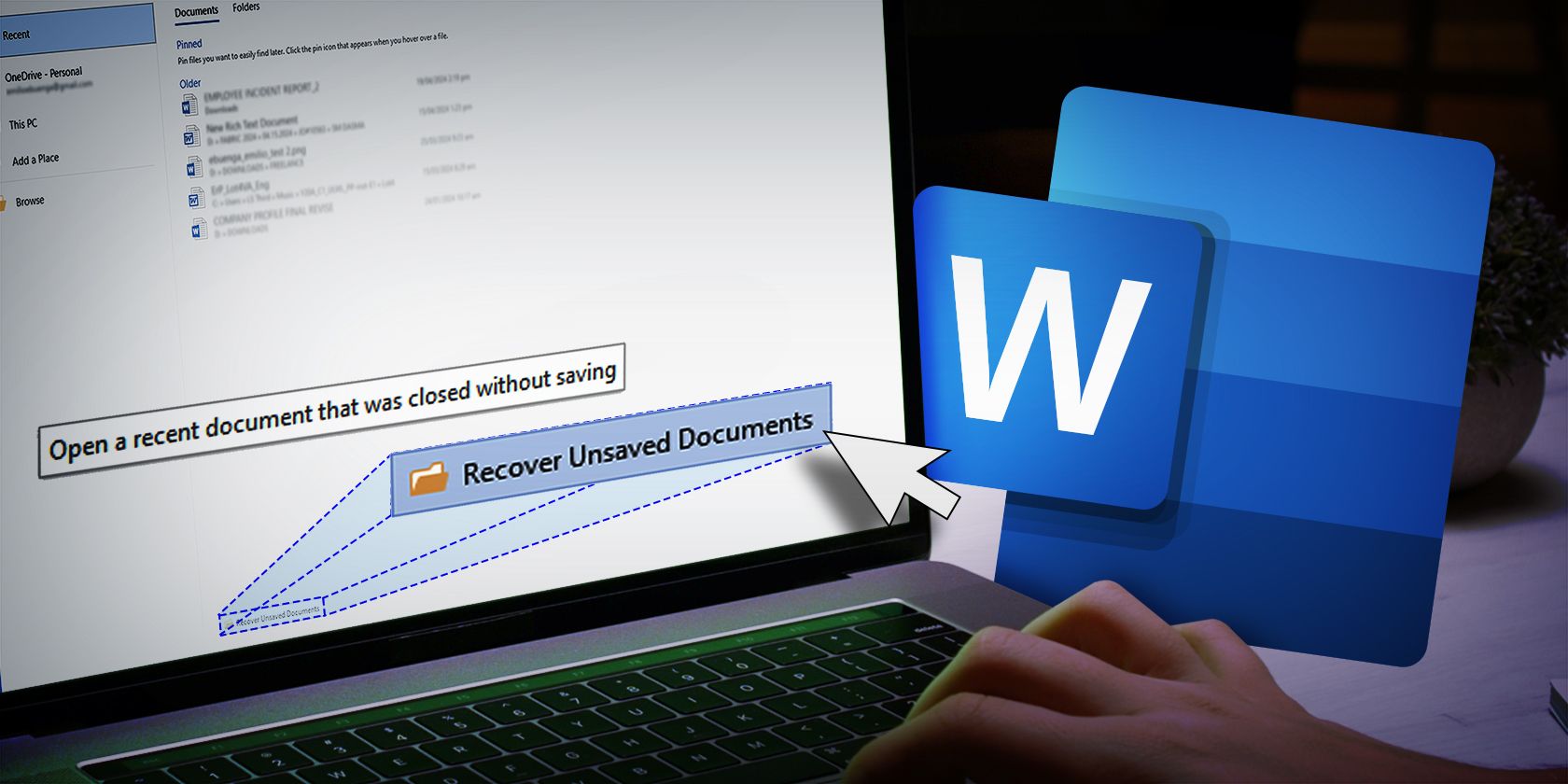
Microsoft Word offers built-in features to effortlessly recover unsaved documents on both Windows and Mac, minimizing potential disruptions or progress loss caused by system crashes. Accessible via MakeUseOf, this resource details how to utilize these tools for seamless continuation of work.
from MakeUseOf

Discover six lesser-known Microsoft Word features to boost efficiency and save time. Learn valuable tips for becoming a power user of the popular word processing software. Source: How-To Geek.
No matter how long you’ve been using Microsoft Word, there might still be some features you haven’t explored yet. Here’s a look at a few lesser-known features in Microsoft Word that can improve your efficiency and help you save time.
from Shan Abdul
via How-To Geek
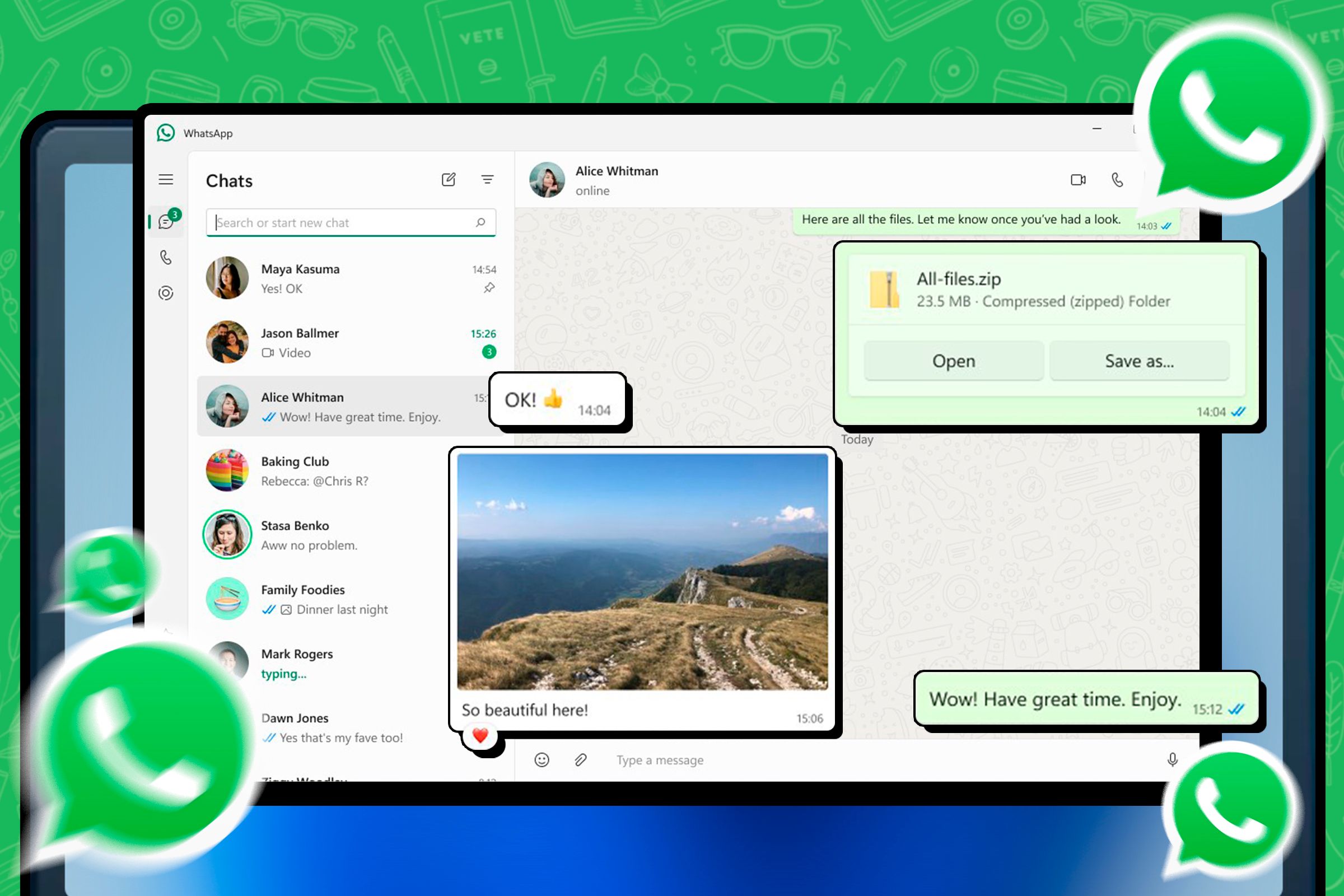
You can use WhatsApp on your computer by accessing its web app or desktop client. Although there’s no standalone WhatsApp client, this method allows you to send messages via your smartphone. To learn how to set it up on your Windows PC, Mac, or other computer, follow the instructions in the article.
Want to use WhatsApp from your computer? While there’s no standalone WhatsApp client, you can use WhatsApp’s web app and desktop client to send messages via your smartphone. Here’s how to use WhatsApp on your Windows PC, Mac, or other type of computer.
from Khamosh Pathak
via How-To Geek

Several tools and tricks exist to view old versions of websites, enabling users to access archived information or satisfy their curiosity. Not every website may be available, but there are numerous resources to explore historical website versions. Learn more at MakeUseOf.
from MakeUseOf

Generative AI is expanding into music creation, offering new tools for producing tunes. Discover five free AI music generation tools to explore this innovative technology. Check out the article “5 Ways to Generate AI Music for Free” on How-To Geek for more information.
Generative AI is taking off, especially in areas like image creation and writing. Now this technology is starting to make waves in music too, promising to change how we make tunes. Here are five tools you can use to get into the action.
from Derrik Diener
via How-To Geek

Microsoft Copilot Personal Shopper is a useful AI tool for finding the perfect gifts for friends and family, especially when unfamiliar with specific products. An article from MakeUseOf details the experience of using this tool for shopping, which can help navigate the complexities of selecting items like stand mixers and indoor herb gardening kits.
from MakeUseOf
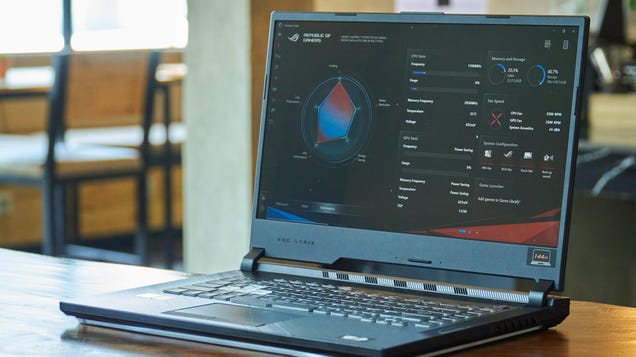
Wintoys is a free Windows app that helps locate essential tools on your PC such as clearing junk files, speeding up your computer, restarting graphics driver, or repairing corrupted thumbnails, making many previously hidden features easily accessible.
by Pranay Parab via Lifehacker

By Cade Metz
A provocative paper from researchers at Microsoft claims A.I. technology shows the ability to understand the way people do. Critics say those scientists are kidding themselves.
Published: May 15, 2023 at 08:00PM
from NYT Technology https://ift.tt/gAERzQ4
via IFTTT
Just when we thought we had patched all the “holes” in our systems preventing malware attacks, a new virus spreading vector is making its way into our computers: The instant messenger virus.
As with most virus or spyware attacks, a great deal of social engineering is involved. Once the virus enters your computer and you open your instant messenger program (for example Windows Live Messenger), you PC starts “broadcasting” messages to all your IM contacts. The message varies according to the virus, but it’s always something along the lines of “Look at these cool pictures of the party: http://yourname.somecoolname.com” or “Is that you on this picture: http://yourname.invite.anotherattractivename.com“.
Some of your contacts see a message coming from you, their friend,they get curious to see those party pictures, and without thinking twice they click on the link. Usually they receive a message saying that there was an error with the link, but it’s too late. The virus is now on their computers.
The best way to avoid getting these instant messenger bugs is basically to mistrust any request from one of your contacts requesting that you click on a link. If you get such a request, contact the person who supposedly sent it and ask him or her if the link was indeed sent by them. If they say it wasn’t, let them know that their computer might be infected with an IM virus so they can check their system
In most of the cases, your antivirus or antispyware program will detect the virus and block it. If the virus enters your computer, bypassing the antivirus, removing it can get a little tricky, depending on the virus variant.
However, I found a little free utility that removes the messenger virus in most of the cases. It’s called MSNCleaner, and it removes many of these viruses.

Download MSNCleaner – Free Windows Live Messenger virus remover
The program is easy to use. Just click Analyze and once the analysis finishes Delete the offending files. If you have questions or would like help with the removal of a Windows Live Messenger virus, you can contact me at rsigal@thefloridacomputerguy.com and we can setup a remote session to remove it remotely.


For Remote Online Support, please click the button below

